
SHAREit
SHAREit is a free Windows app from the SHAREit Team for moving photos, videos and documents between a PC and a phone. The current version is 5.1.0.7.
22.7 MB

TeraCopy is a free Windows utility from Code Sector for copying and moving files, designed as a more controllable replacement for the Explorer copy dialog.
Average 0.0 · ratings: 0
Thank you! Your rating is saved; you can change it. Could not save the rating. Please try again later. Too many ratings from your network today. Please try again tomorrow. The average appears after 5 ratings.
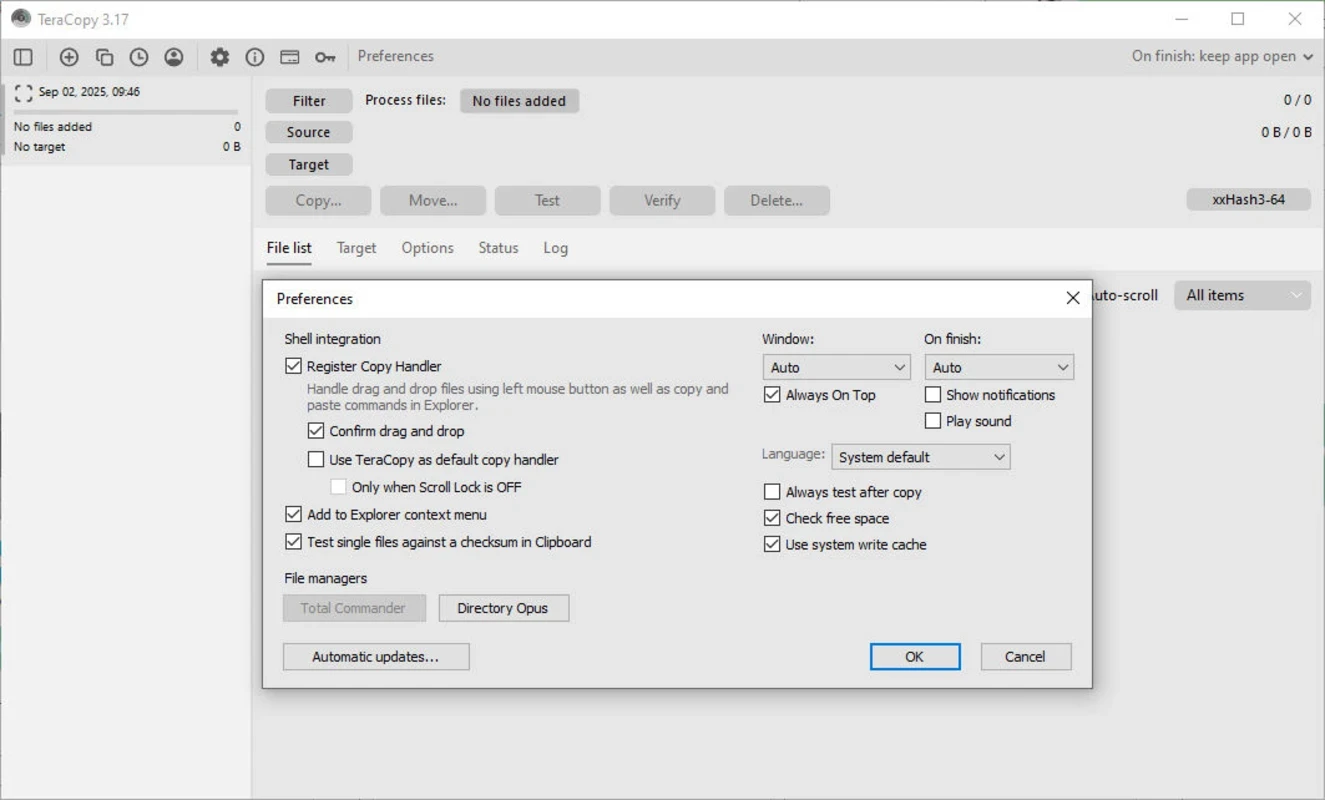
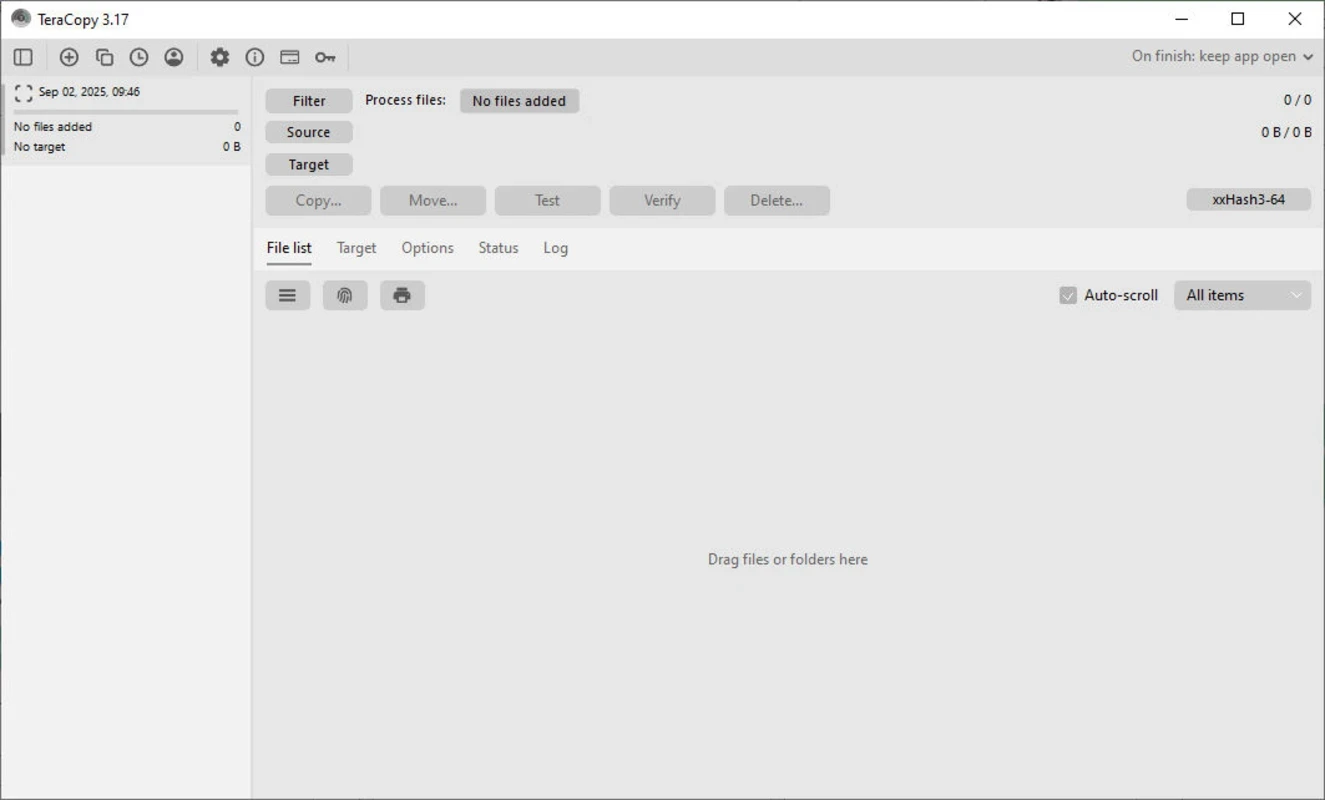
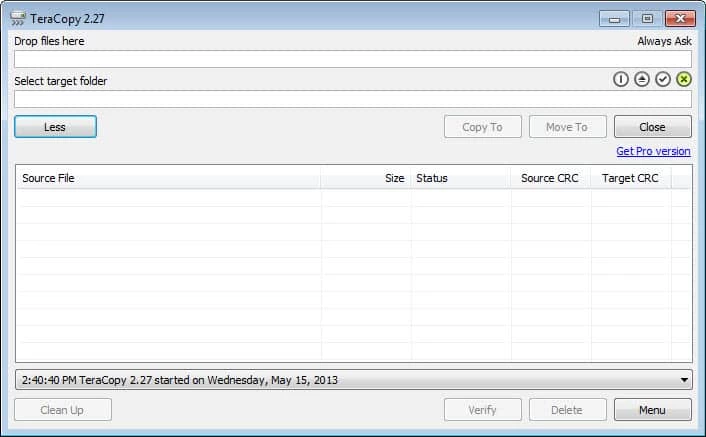
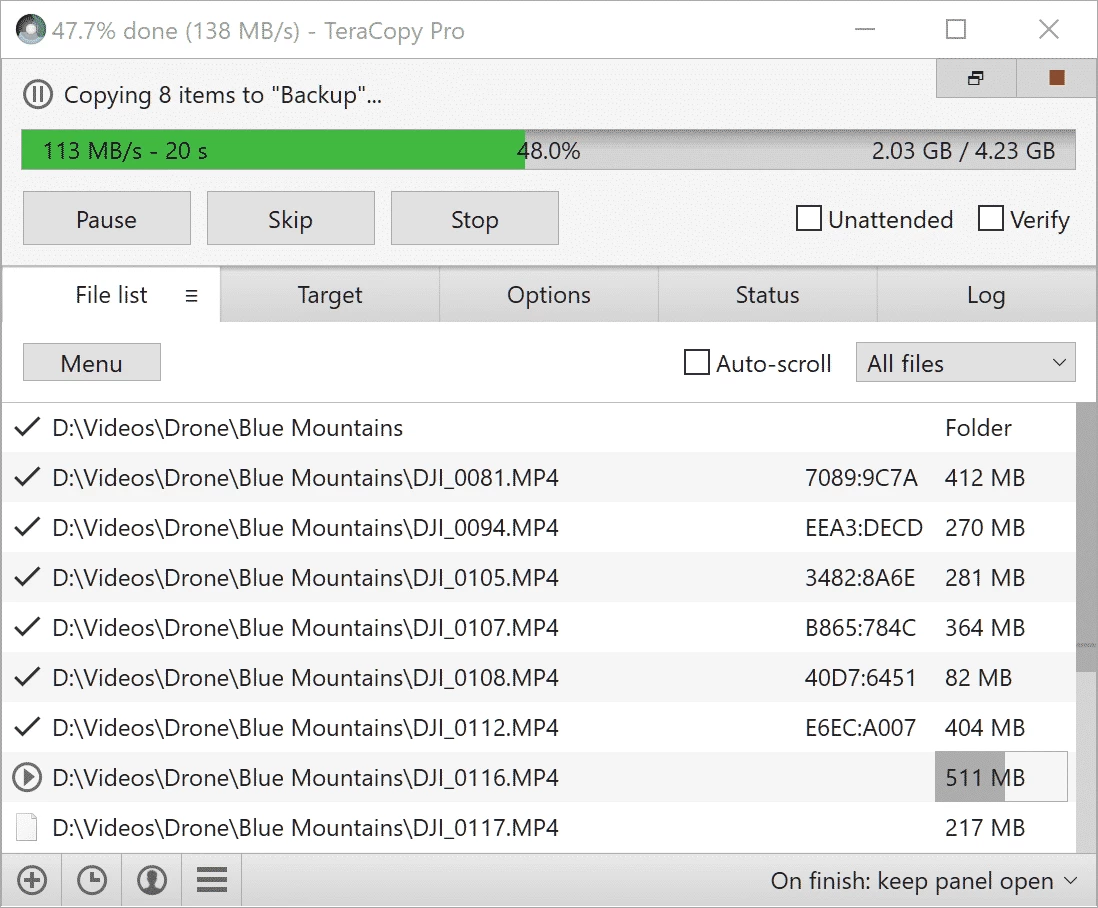
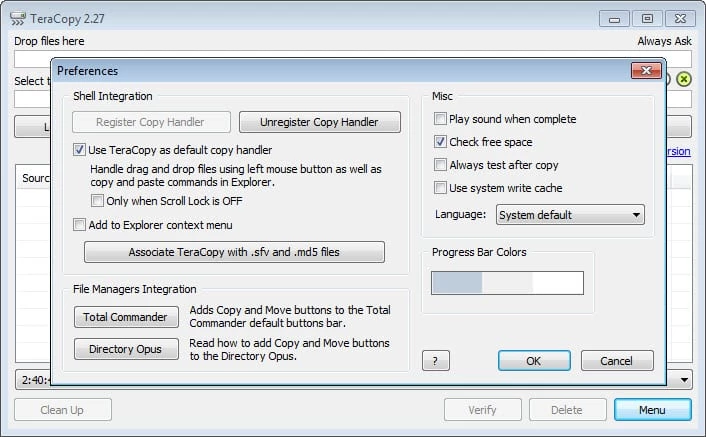
TeraCopy 4.0.3.2 is a free Windows program from Code Sector for copying and moving files. It takes over the job of the standard Explorer copy dialog and gives you more control over large transfers; you can download TeraCopy for Windows from the official website codesector.com.
| Parameter | Value |
|---|---|
| Version | 4.0.3 (Build 2) |
| Developer | Code Sector Inc. |
| Type | File copy and move utility |
| Supported systems | Windows 10 – Windows 11, Windows Server 2016 – 2025 |
| Older systems | TeraCopy 3.17 for Windows 7 – 11 and Windows Server 2003 – 2025 |
| Licence | Freeware |
| Size | about 14.83 MB according to catalogue data |
Copying a few documents in Explorer is easy. Copying a whole photo archive to a new drive, moving a video project to a NAS or backing up a laptop before reinstalling Windows is where the built-in dialog shows its limits: if one file fails, the whole job can stop, and it is hard to be sure that everything arrived intact. TeraCopy is built for exactly these situations. It gives you a clearer view of what is being copied and more control when something goes wrong, so you can deal with problem files instead of starting the whole job over. For backups and archives, that control is often worth more than raw speed. Photographers, video editors, IT staff and anyone who regularly moves large folders between disks will notice the difference most.
More information is on the TeraCopy page, and changes are listed in the changelog.
TeraCopy is free to download and use. Get it only from codesector.com or through winget; copies from download portals can come with unwanted extras. When moving files you cannot replace, copy first, verify, and delete the originals only afterwards.
Connect external drives directly to the PC rather than through a hub, avoid working with the same files while they are being copied, and keep an eye on free space on the target disk. For network transfers, a cable connection is more reliable than Wi-Fi.
For managing files in two panels, our listings include Total Commander; for transfers over the network, FileZilla and WinSCP.
SHAREit is a free Windows app from the SHAREit Team for moving photos, videos and documents between a PC and a phone. The current version is 5.1.0.7.

Zapya for Windows is a free file transfer app from DewMobile for moving files between a PC and phones over a local wireless connection.

Easy Connection to Screen is Samsung's Windows app for showing a PC's screen on a compatible Samsung TV over a wireless connection.

Internet Download Manager (IDM) is a shareware download manager for Windows from Tonec that accelerates, resumes and schedules downloads.

uTorrent (μTorrent) is a small BitTorrent client for Windows from Rainberry (BitTorrent Inc) for downloading and sharing files over torrents.

AnyDesk is a remote desktop application for connecting to and controlling another computer over the internet, from a small Windows program.

ShareMe is Xiaomi's free app for sending files between devices without a cable; on Windows the Android app runs only inside an emulator.

Xender is a free file sharing app from the Xender File Sharing Team for sending files between phones and computers over a local connection.